Solo real estate agents and small brokerage staff in the United States who prepare their own listing photos and want a quick quality check before publishing.
كيف يعمل
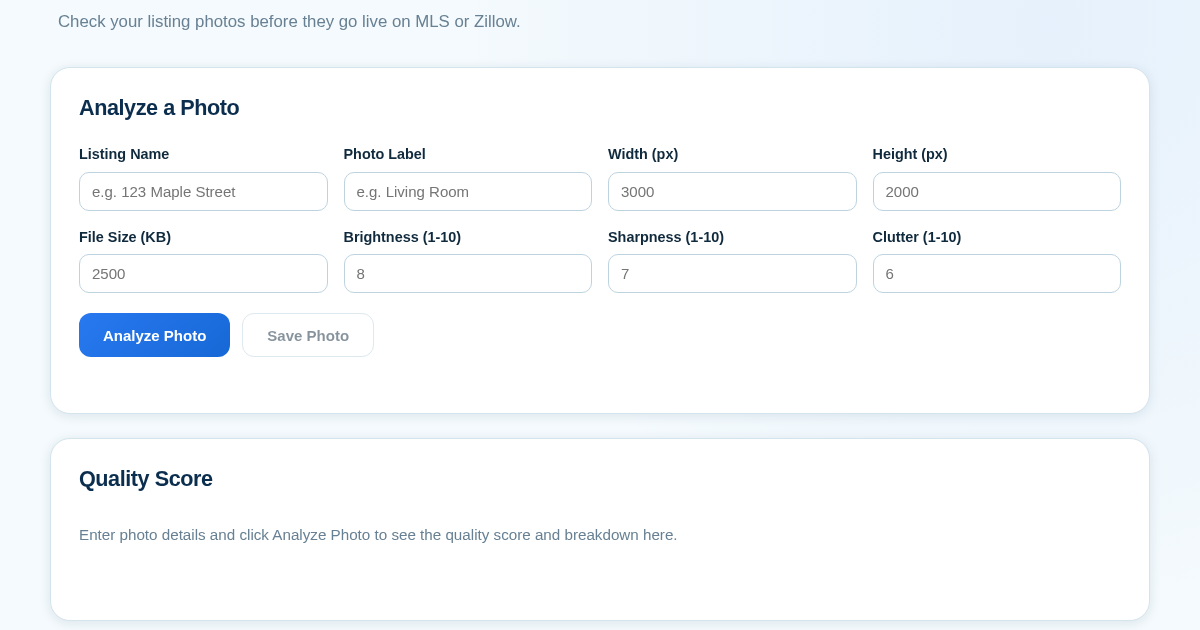
- Enter the listing name and, for each photo, type its label, pixel width, pixel height, file size in KB, and self-rated 1-10 scores for brightness, sharpness, and clutter.
- Click Analyze Photo to compute a resolution score from width times height and a weighted quality score, showing a color-coded breakdown and a pass or needs-improvement flag.
- Click Save Photo to persist the listing name, photo label, all entered values, and the computed score to the server's history.
- Use the History list and Compare view to pick two or more saved photos from the same listing and view their scores side by side.
ماذا تكسب
- Instant quality score with color-coded visual breakdown
- Flags weak photos before they go live on MLS or Zillow
- Saves every checked photo to a persistent listing history
- Side-by-side comparison of multiple saved photos for the same listing
- No image upload needed - just enter the details you already see
لقطة شاشة
تفاصيل تقنية
كيفية الإعداد والاستخدام
- اشترِ الترخيص — يظهر مفتاحك (lic_...) في صفحة الطلب وبريدك الإلكتروني.
- سجّل الدخول في app.synoriaai.com بمفتاح الترخيص.
- لا حاجة للتثبيت — يعمل المنتج في المتصفح على نسختك المعزولة.
- Enter the listing name and a label for the photo, like 'Living Room'.
- Type in the photo's width, height, and file size from your phone or camera's photo info screen.
- Rate the photo's brightness, sharpness, and clutter level on a 1-10 scale.
- Click Analyze Photo to see the quality score and pass/needs-improvement flag.
- Click Save Photo to add it to your listing history, then compare it against other saved photos.
الأسئلة الشائعة
Does this tool read my actual photo file?
No. You manually enter the photo's dimensions, size, and your own ratings; the tool never accesses or stores the image itself.
Is my listing data shared with MLS or Zillow?
No. Everything you save stays private on your own server and is never sent to MLS, Zillow, or any third party.
What counts as a good photo?
Any photo scoring 7 or higher out of 10 across brightness, sharpness, clutter and resolution is flagged as ready to publish.
منتجات ذات صلة
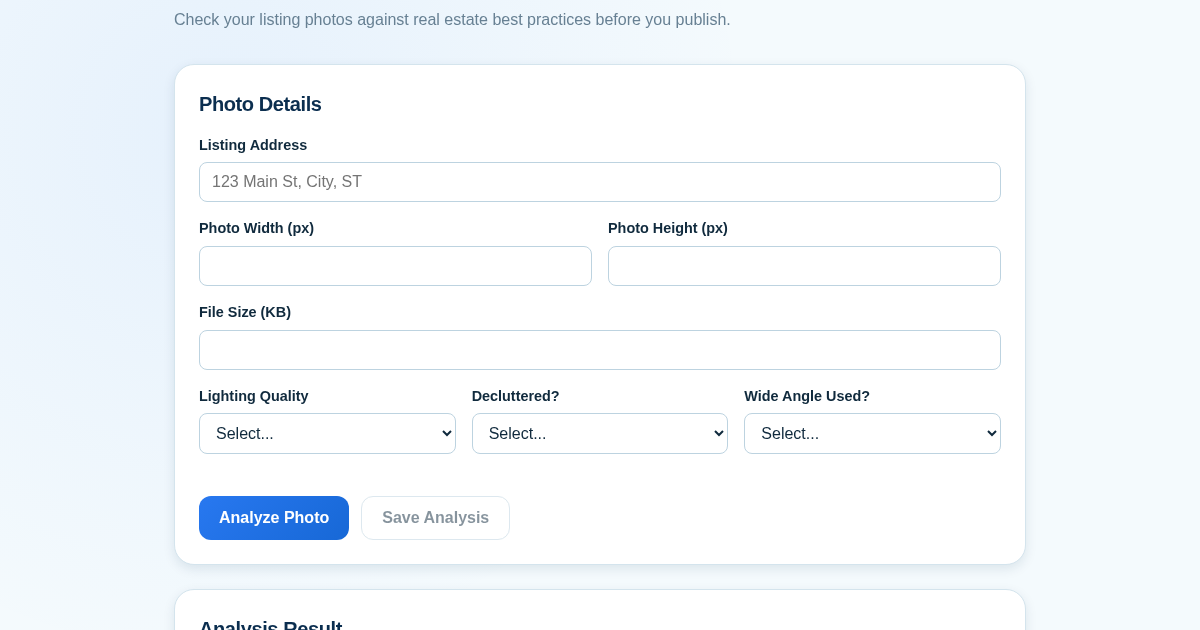
Listing Photo Score Checklist
Real estate agents often publish listing photos that are too dark, cluttered, or low-resolution, which can hurt a property's appeal. This tool provides a quick quality check before photos go live on MLS or Zillow. It…
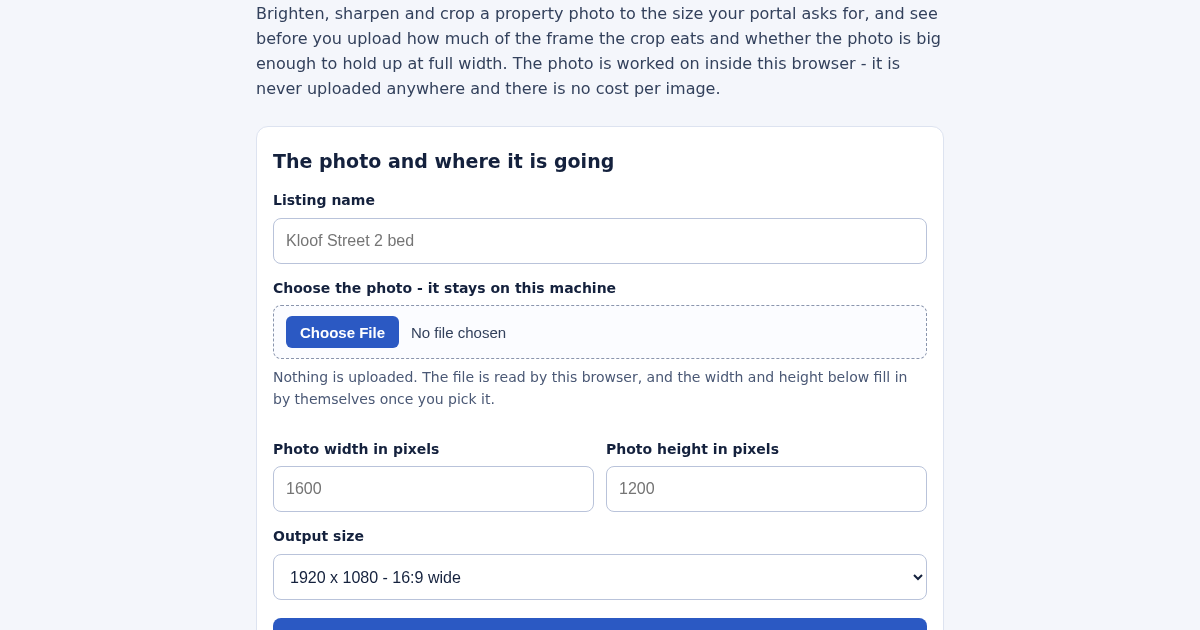
Listing Photo Enhancer for South African Property Listings
Brighten, sharpen and crop a property photo to the size your portal asks for, and see before you upload how much of the frame the crop removes and whether the photo is large enough to hold up at full width. Auto levels…
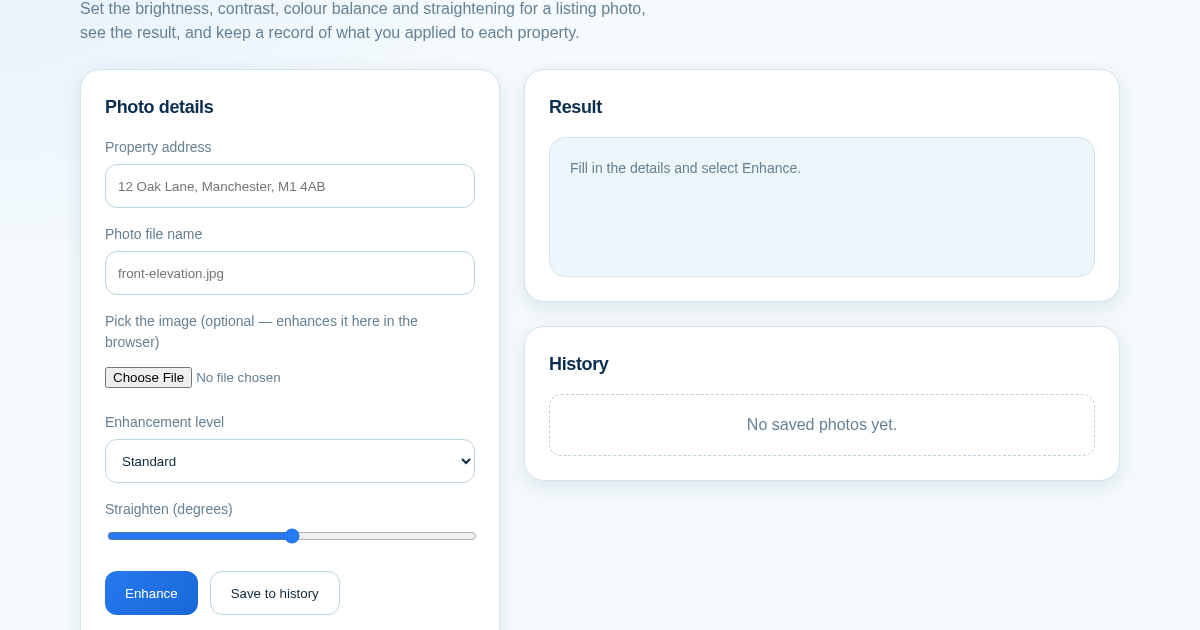
ListingLift - Make Your Property Photos Look Professional
Listing photos taken on a phone are often dim, flat or slightly tilted, and portals show them next to professionally shot competitors. This tool applies brightness, contrast, colour and straightening to a photo in the…